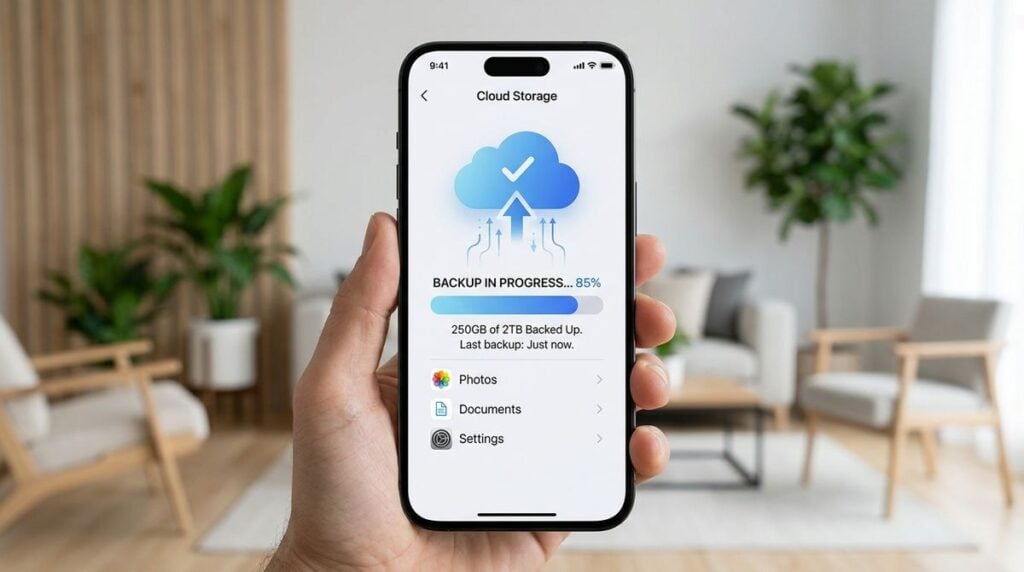
Small businesses store more important files than many owners realize, from customer records to accounting data and shared design work. Without a dedicated IT team, backups can easily be forgotten until something goes wrong. Friends who run companies often ask how to protect their data without spending hours each week on technical tasks. The answer lies in a simple plan, regular testing, and a few well-chosen habits. This article explains the common questions in plain language, for owners who wear many hats. Each section can be read on its own, so you can start with whichever problem feels most urgent.
Several copies in separate places is a useful rule
A useful rule of thumb is to keep several copies of important data, with at least one stored away from the main office. Copies that sit on the same device can be lost together in a fire, theft, or power surge. Readers may also want to visit contconcord.com. Cloud storage is one option for that separate location, along with an external drive kept elsewhere. Whichever option you choose, check that the storage is actually separate from the office network. Write down what is backed up, where each copy lives, and how often it updates. A simple written plan prevents guesswork during a crisis. Share a copy of the plan with a trusted colleague, so it is not held by one person alone.
Restore tests matter more than backup logs
A backup that cannot be restored is only a hopeful file. Schedule a test restore every few months, choosing a small folder and a recent file. You can also visit Labho.net for more reading. Check that the restored file opens correctly and that the content matches the original. Note how long the restore took, so you know what to expect in an emergency. Confidence comes from practice, not from a green status light. Keep a short log of each test, noting the file name and the outcome.
Access control keeps backups safe
Backups often contain the most sensitive data in the company, which makes them an attractive target. Limit who can view, delete, or change backup settings. Use strong passwords and two-step sign-in for every account that controls storage. For a related read on this site, see Checking a Campaign Calendar Before the Next Stretch. Keep the administrator login separate from everyday accounts. Careful access rules protect the business even if a single password is exposed. Review those rules whenever someone changes role, since access often lingers after a job change.
Retention rules depend on the business
How long you keep backups should depend on your industry, your contracts, and the records you must hold. Some files need to be kept for longer periods, while others can be deleted after a short time. Discuss retention needs with an accountant or advisor who knows your sector. Their guidance can save costly mistakes when records are deleted too soon. Set automatic deletion for copies that no longer serve a purpose. Make sure that deletion does not remove the only copy of something important. A clear retention rule keeps storage costs sensible and records reliable. Put the rule in writing so future staff understand why each type of file is kept or removed.
Offline copies matter against ransomware
Ransomware can encrypt files on connected devices and then spread to shared drives and linked storage. Keep at least one copy that is disconnected from the network most of the time. Restrict who can overwrite the backups, so malicious software cannot easily change them too. Watch for unusual file activity, such as many files changing at once. Report any suspicious activity quickly, and seek professional help before responding to any demand for payment. Offline copies turn a disaster into an inconvenience. Test that the offline copy can actually be opened, because a copy that has never been checked offers little comfort.
A written plan beats memory
Backup routines often fail when the person who set them up leaves or forgets the details. Write a short plan that names the systems, the schedule, the owner, and the restore steps. Store the plan somewhere staff can access during an outage. Review the plan once a year, and update it when systems change. Share responsibility with a second person who can step in during holidays. That second person should know where the plan is stored and how to reach the provider. A written plan keeps the business protected even when people are away. Revisit the document after any major change, such as a new laptop, a new provider, or a move to another office.
Data protection is a habit
Protecting business data does not require a full IT department, only a clear plan and steady routines. Keep several copies in separate places, test restores regularly, and control who can change backup settings. Offline copies and written instructions add resilience when something goes wrong. Treat backups as a normal part of running the business, and they will support every other goal you set. Small, repeated checks are what keep the whole system dependable. Set a reminder for the next check now, so the habit does not depend on memory alone.